
Social Security’s Inspector General Warns Scammers Are Offering to ‘Activate’ the 3.6% COLA, Which Arrives Automatically for 76 Million People
A text arrives offering to “activate” a bigger Social Security check for 2027, for a small fee or a quick update to bank details. Social Security’s own watchdog says that message is a scam. The agency’s Office of the Inspector General issued a warning on Oct. 21, one week after the 3.6% cost-of-living adjustment was announced, telling beneficiaries the raise needs no action at all.
The alert lands at the moment millions of retirees, disabled workers and SSI recipients are waiting to see what the increase means for their own checks, which is exactly the opening scammers look for.
The raise applies on its own
The Inspector General’s Oct. 21 scam alert is direct: “Social Security beneficiaries do not need to register, apply, or otherwise activate the benefit increase.” The COLA is automatic, the alert says, and it reaches the 76 million Americans who receive Social Security or Supplemental Security Income.
The timing of the increase is set by the agency, not by any form or call. According to the Social Security Administration’s Oct. 14 announcement, nearly 72 million Social Security beneficiaries see the 3.6% raise starting with benefits payable in January 2027, and about 7.3 million SSI recipients see it starting Dec. 31, 2026. The agency said the average retirement benefit goes up by $75 a month.
None of this is new. The Inspector General notes that Social Security has applied automatic annual cost-of-living adjustments since 1975, so the raise arrives each year through the payment system, not through anything a beneficiary submits.
The only step the agency points to is optional. Its COLA information page says notices showing each person’s new amount will be available online to most beneficiaries starting in late November, through the message center of an online Social Security account. Beneficiaries had to create that account by Nov. 18 to see the notice online early. Everyone else gets a paper notice by mail.
What the fake COLA pitches ask for
The Inspector General describes a pattern that repeats every fall. “Scammers contact individuals by phone, text, email, social media, or mail to steal money or personal information,” the alert says. The pitch usually claims the caller can increase a payment or switch on the new COLA.
What the scammer wants comes next. According to the alert, they may tell beneficiaries to pay a fee or to change their direct deposit information, or they may try to collect personal and financial details. Some send fake links or ask people to download software, which can give a stranger access to a computer or phone. The OIG says impostors also use official-looking websites, real employees’ names and titles, and forged documents to look legitimate.
A direct deposit change is the most damaging request on that list. If a scammer redirects a monthly benefit to an account they control, the money goes to the scammer instead of the beneficiary.
A related scheme flagged this summer used fake call transfers. As the National Association of Plan Advisors reported in August, the Social Security Administration warned that callers posing as a store or a government office were “transferring” victims to a fake Social Security employee. The agency said legitimate companies and agencies cannot transfer calls directly to Social Security or its Inspector General, so any call that does so is a scam. Caller ID offers little protection either, because scammers can display a legitimate government number on the screen.
Four warning signs the agency teaches
Social Security and its Inspector General boil the red flags down to four P’s, laid out in the agency’s March 2026 Slam the Scam Day announcement: the caller pretends to be from a trusted agency, raises a prize or a problem, applies pressure to act right away, and tells the target how to pay.
The same release lists what the agency will never do. Social Security will not suspend a Social Security number, demand immediate payment, threaten arrest, ask for card numbers over the phone, request gift cards or cash, or promise a benefit increase in exchange for information or money. That last item describes the COLA pitch almost word for word.
The scale is large. The release said the Federal Trade Commission received more than 330,000 complaints involving government impersonation in 2025, a 25% jump from 2024, and that Social Security impersonation scams cost Americans hundreds of millions of dollars a year. Michelle L. Anderson, who is performing the duties of the Inspector General, said in the release that “awareness is one of the strongest tools” available.
Older adults are frequent targets, as an earlier look at the $3 billion older Americans reported losing to fraud in 2025 showed.
Where to check and where to report
The Inspector General’s advice is to stop and verify. Rather than calling a number in a text or email, the alert tells people to look up official contact details themselves through America.gov. The agency’s scam information page adds that Social Security “will never ask for sensitive or personal information through social media, email, or text message,” and that payment demands in gift cards, wire transfers, cryptocurrency or cash by mail are hallmarks of fraud.
Suspected scams can be reported online at the Inspector General’s scam form or through the OIG Fraud Hotline at 1-800-269-0271, open Monday through Friday from 10 a.m. to 2 p.m. Eastern. Identity theft can be reported at the federal IdentityTheft.gov site.
For the real numbers, the official notice is the place to look. A recent breakdown of the 2027 maximum benefit at full retirement age shows how the new figures compare with this year’s.
Get stories like this by email. Sign up for The Parent Diaries Letter.
This article was produced with AI assistance and edited for accuracy against the sources linked above.
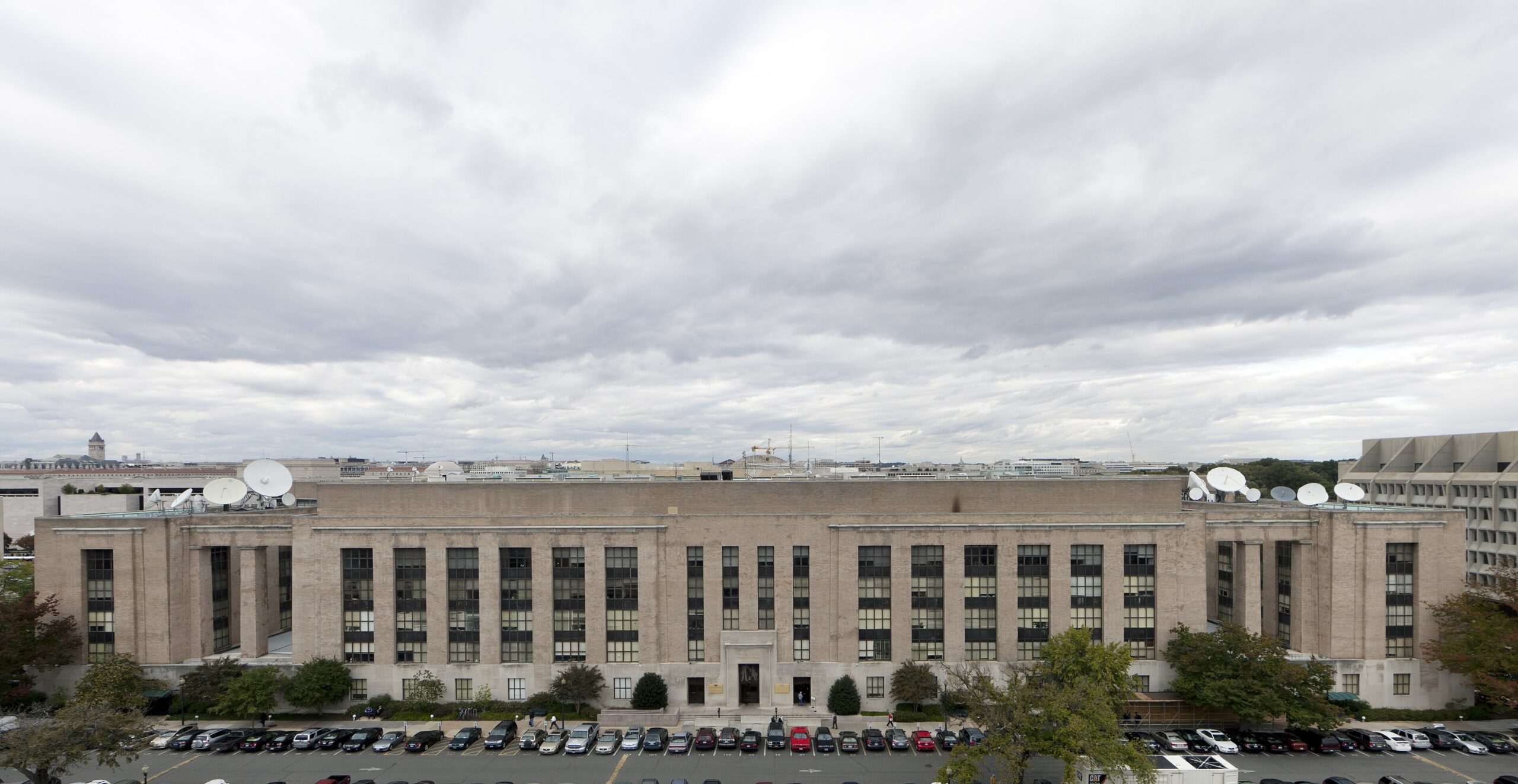
Image: Carol M. Highsmith – Public domain/Wikimedia Commons